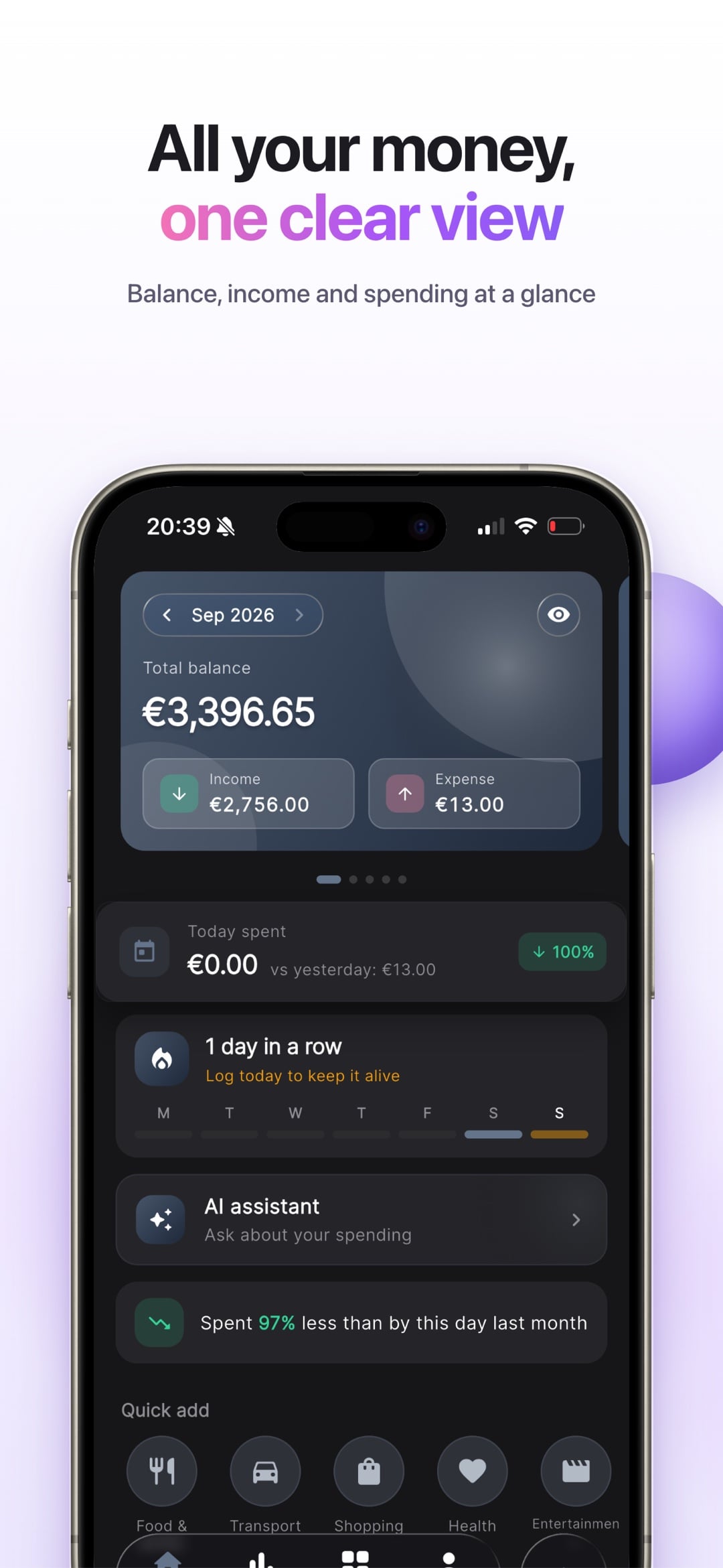
All your money in one view
Total balance across wallets, today's spending next to yesterday's, a logging streak and quick-add buttons for the categories you use most.

A money app that tells you where it all went.
MyBudget AI tracks spending across wallets and currencies and adds an AI coach that answers questions about your own numbers. All data stays on the phone, with no account.
Updated September 28, 2026 · iOS 15+
Budget apps either ask for a bank login or turn into a spreadsheet you stop opening after a week. People don't need more charts. They need to know whether they can afford dinner out on Friday.
Adding an expense takes two taps or one sentence said out loud. The app files it under a category, converts the currency and shows a daily budget until payday. The AI reads the same local data and gives short, specific advice, from a what-if forecast to an honest roast of last month.
Total balance across wallets, today's spending next to yesterday's, a logging streak and quick-add buttons for the categories you use most.
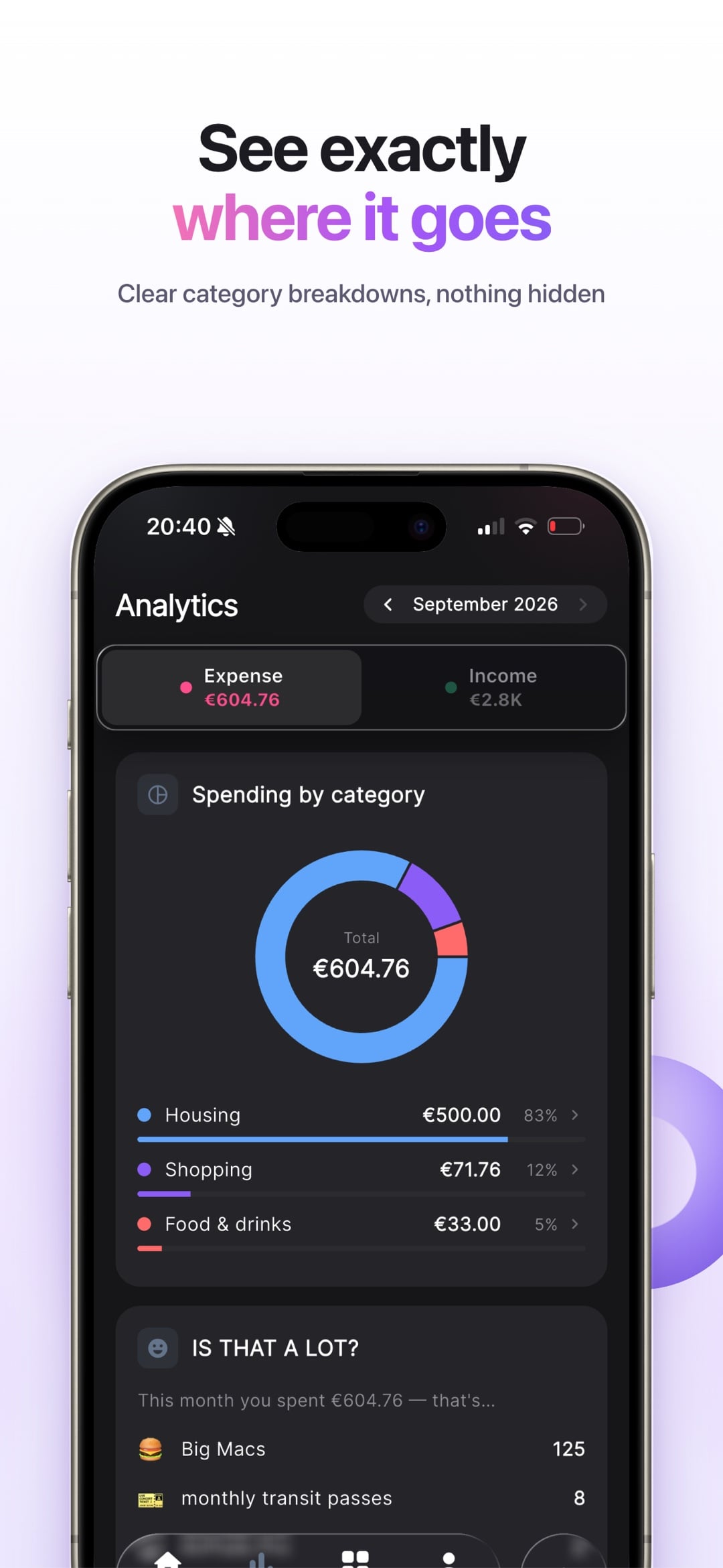
A category donut, a monthly forecast, a spending heatmap and comparisons with last month and last year. Big numbers are translated into everyday terms, like how many coffees that was.
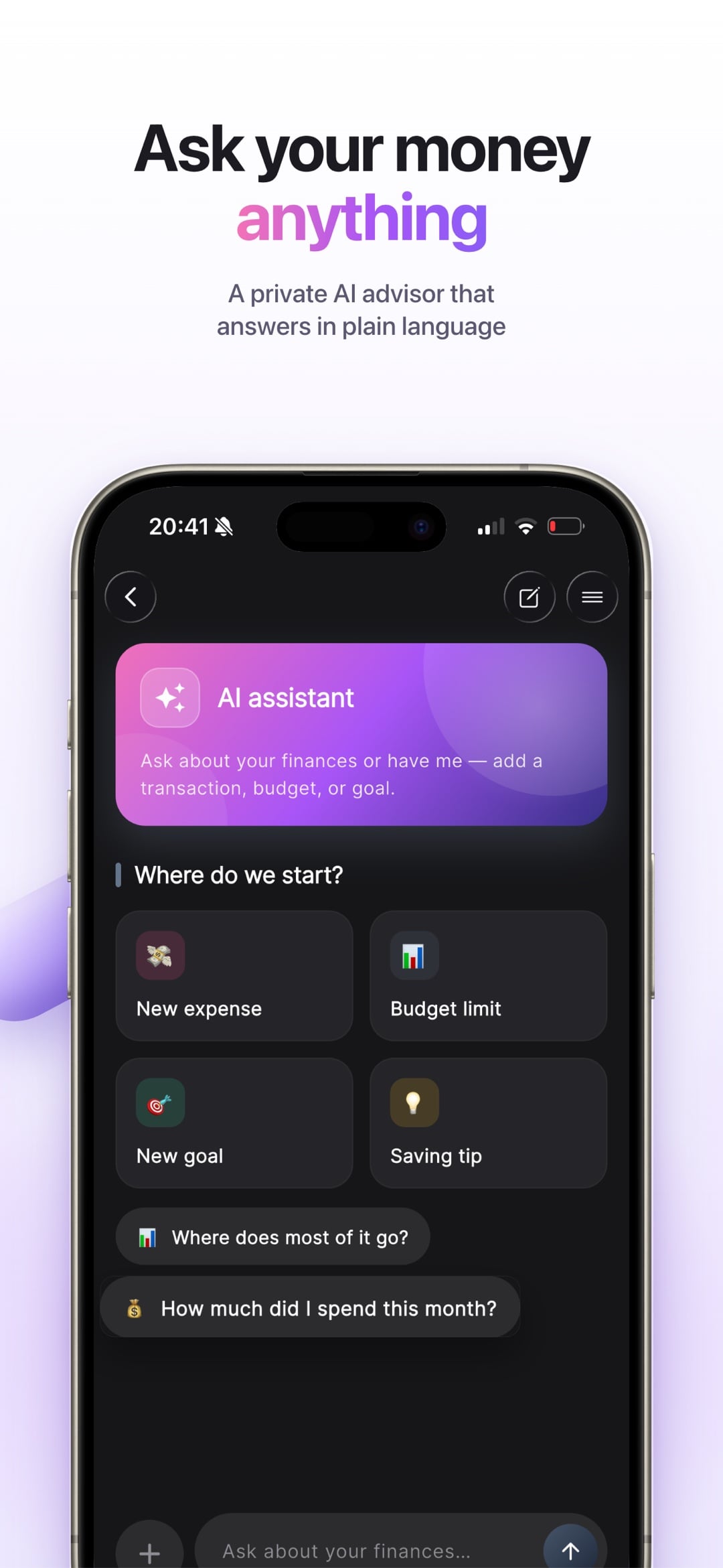
Type How much did I spend on taxis? or Add 12 for lunch, and the assistant answers or does it. It can set budgets and goals from a plain sentence too.
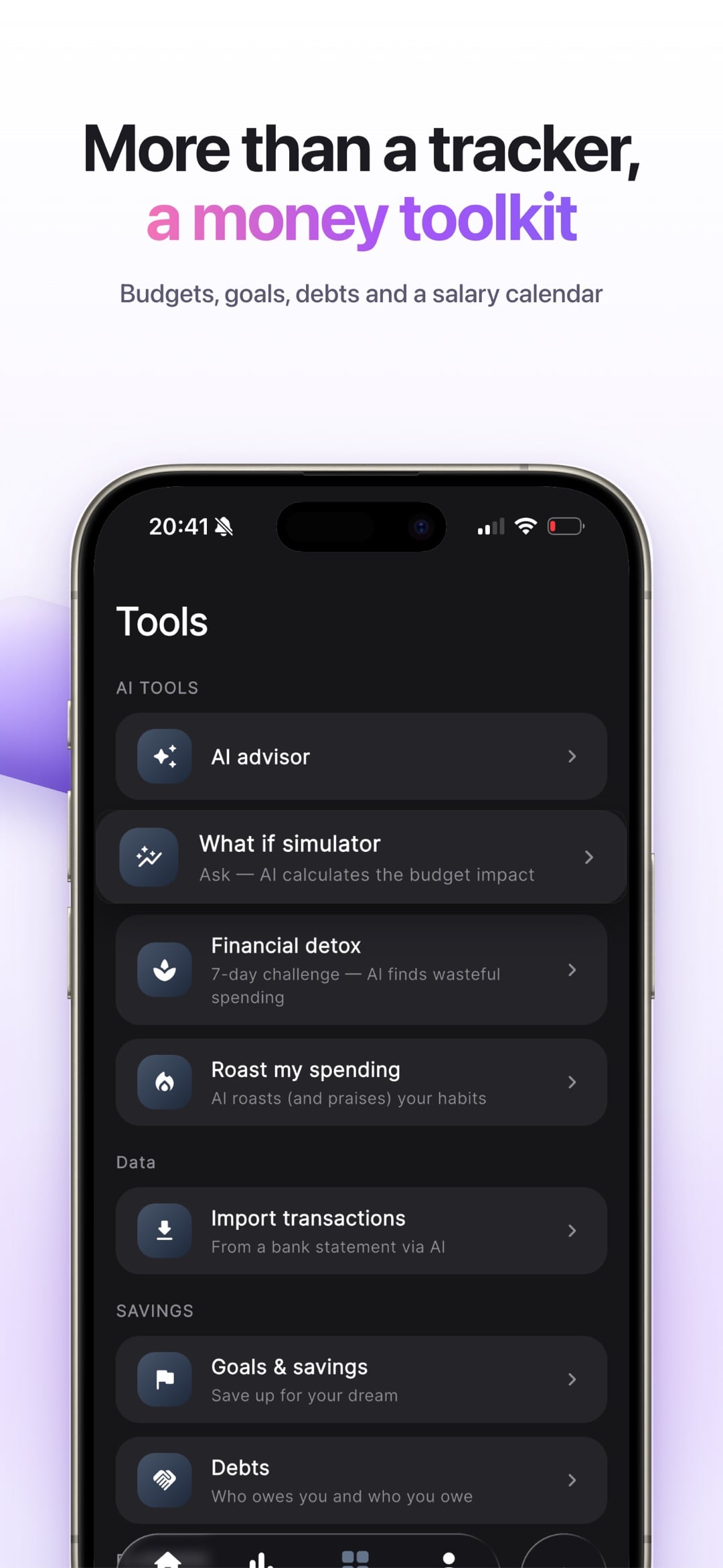
Savings goals, a debt planner with the snowball and avalanche methods, a salary calendar, payment reminders, and loan, interest and currency calculators. There is also a spending detox and a what-if simulator.
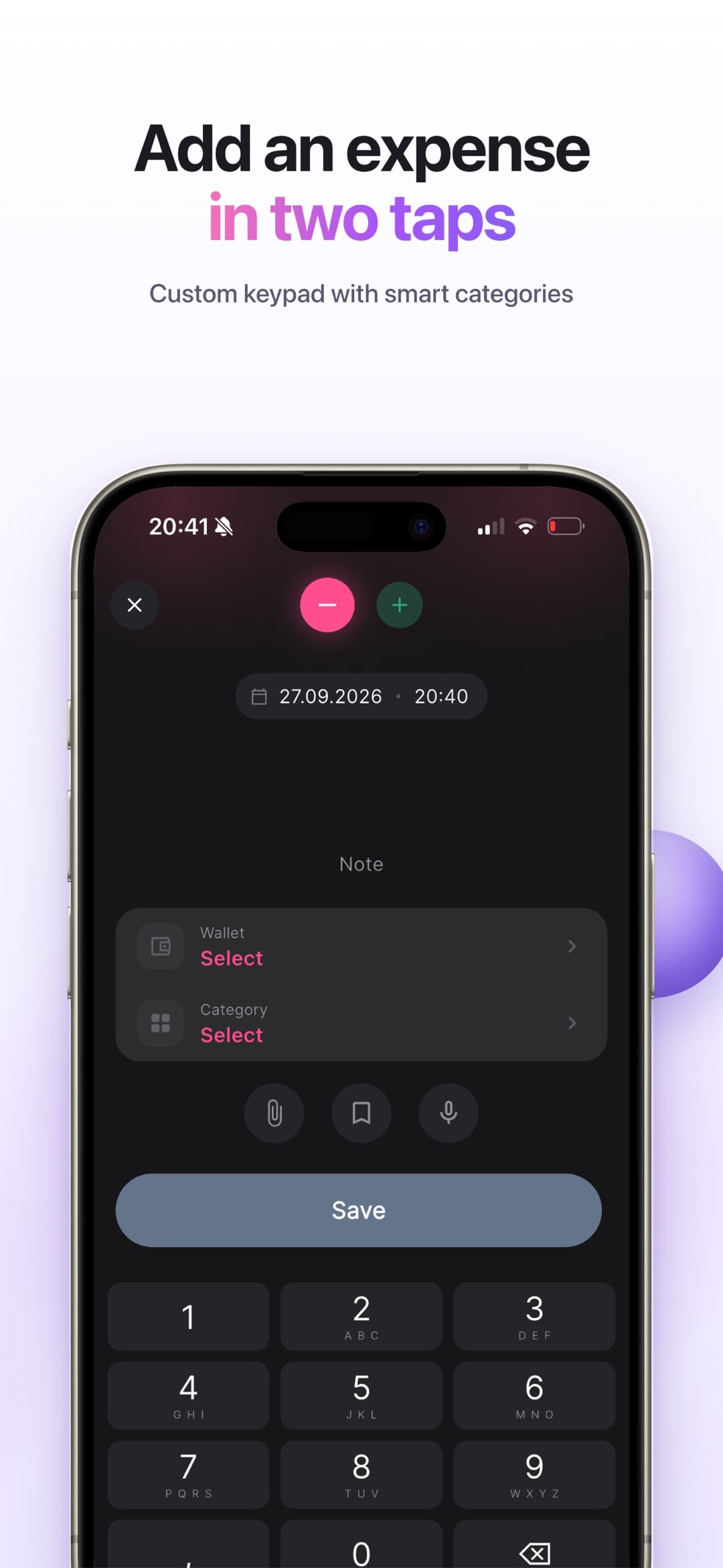
A custom keypad, automatic categories and templates. Hold the plus button to dictate instead, and taxi 15 yesterday becomes a transaction.
Speech is recognised on the device. Only the recognised text can go to the AI, and a local parser handles most phrases before any request is made.
SQLite through Drift with tested migrations, so a year of transactions loads instantly and survives every update.
Imported history doesn't move your balance twice. Each row remembers where it came from, which keeps deletions and totals honest.
The iOS widget runs as a separate process, so the app hands it every label already translated instead of keeping a second set of translations.

Tell me about your idea. I reply within one business day.
Discuss your project