Cook from your fridge
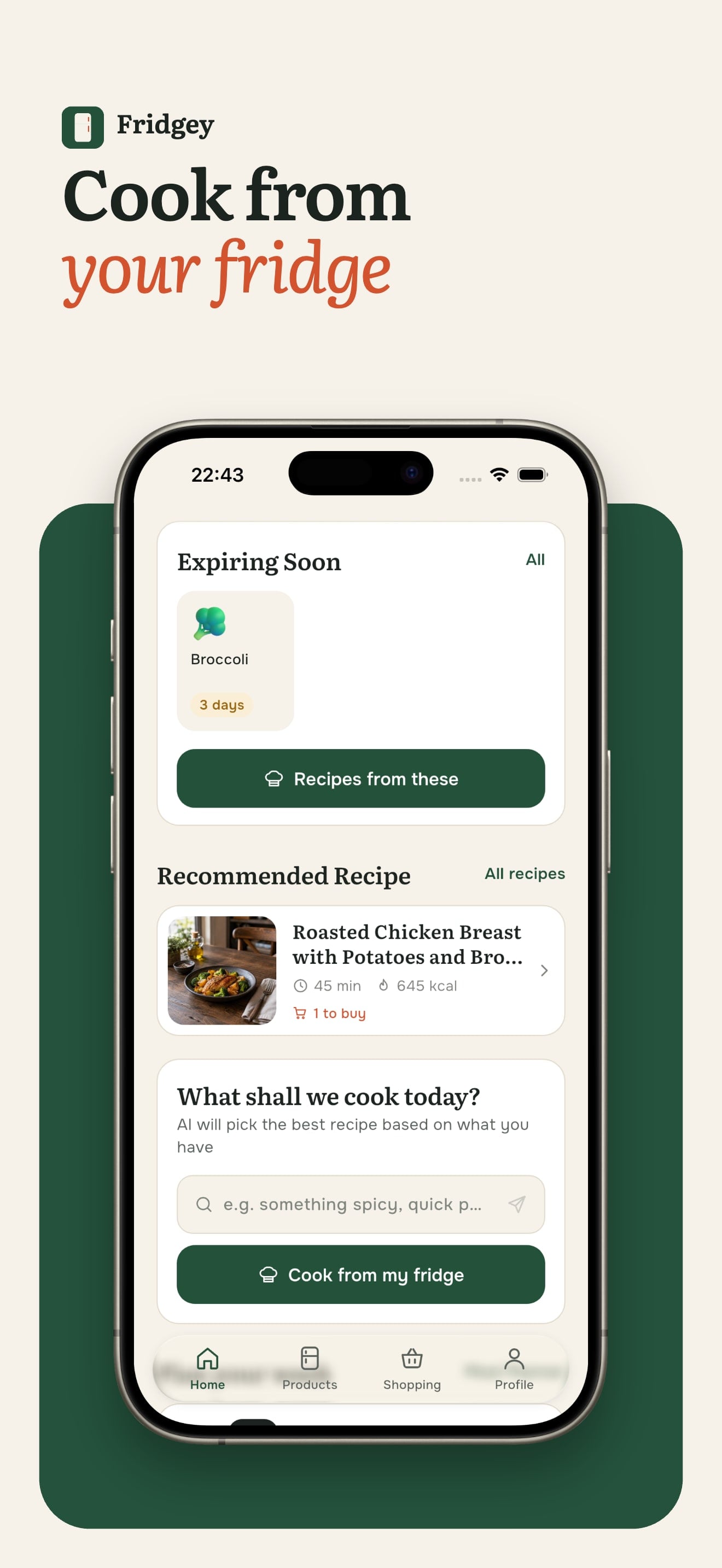
The home screen shows what expires first and suggests a recipe that uses it. You can also ask for something specific, like a quick dinner without meat.

Cook from what's already in the fridge.
Fridgey keeps track of the food at home and turns it into recipes for breakfast, lunch and dinner. It warns you before things expire and builds the shopping list for you.
Updated October 25, 2026 · iOS 13+
Food gets thrown away because nobody remembers what's at the back of the fridge. Recipe apps start from a dish, not from the half pack of spinach that needs using today.
You add products by hand, from a photo of the fridge or from a receipt. Fridgey knows what expires soon and generates 45 recipes a day from what you have, across three meals and three styles. Missing ingredients go to the shopping list in one tap.
The home screen shows what expires first and suggests a recipe that uses it. You can also ask for something specific, like a quick dinner without meat.
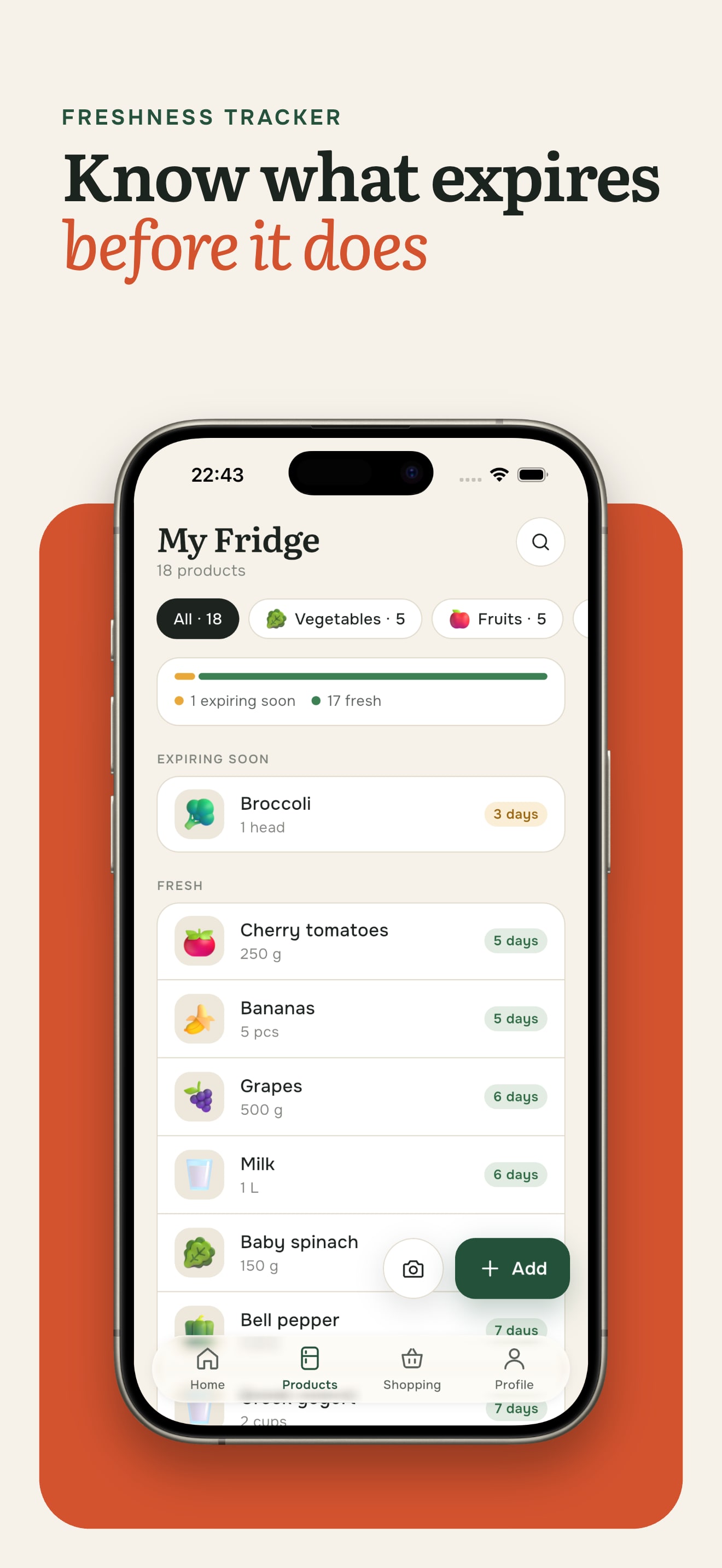
Products sorted by category, each with the days it has left and a freshness bar on top. Scan the fridge or a shop receipt and the list fills itself, and a notification comes before anything goes off.
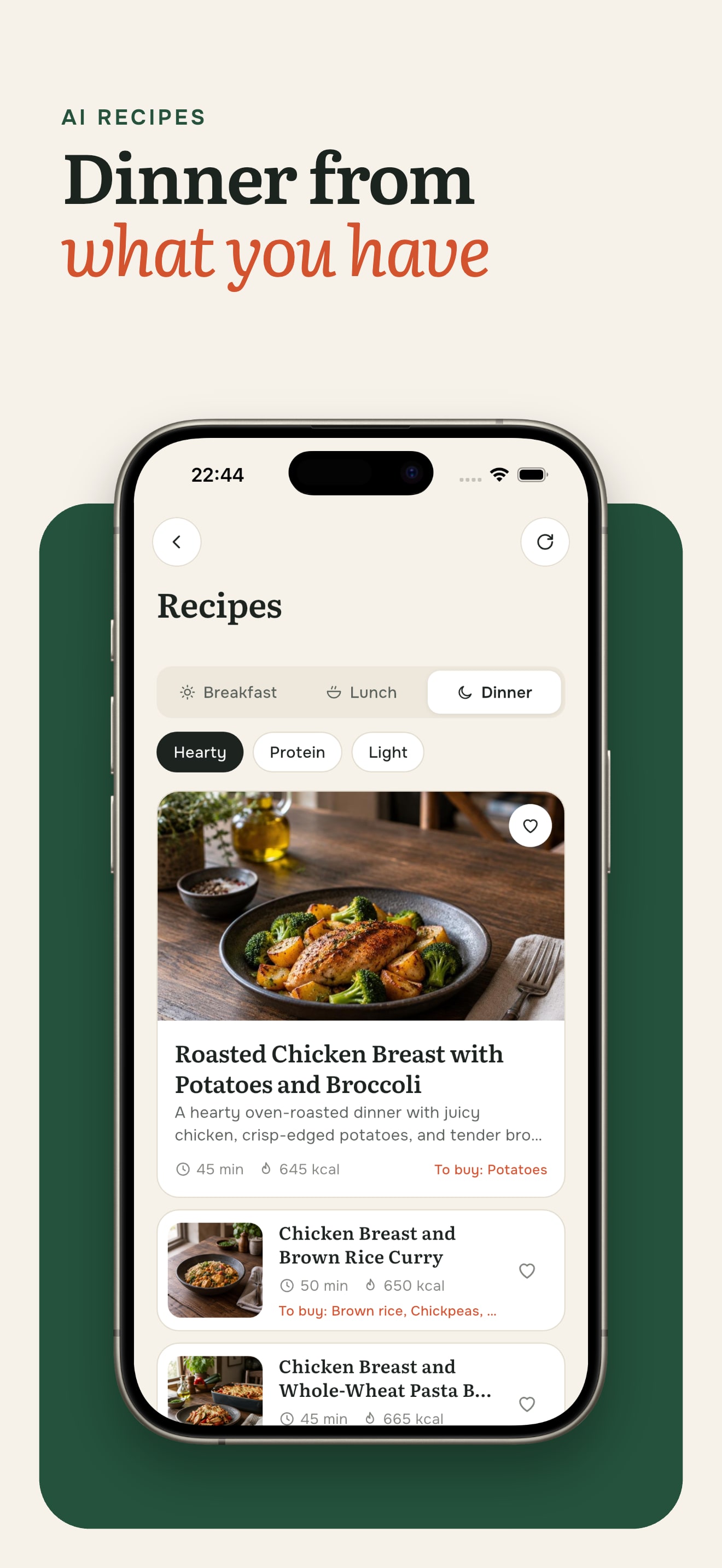
Recipes for breakfast, lunch and dinner in three styles: hearty, high-protein and light. Each shows time and calories, and anything missing goes to the shopping list in one tap.
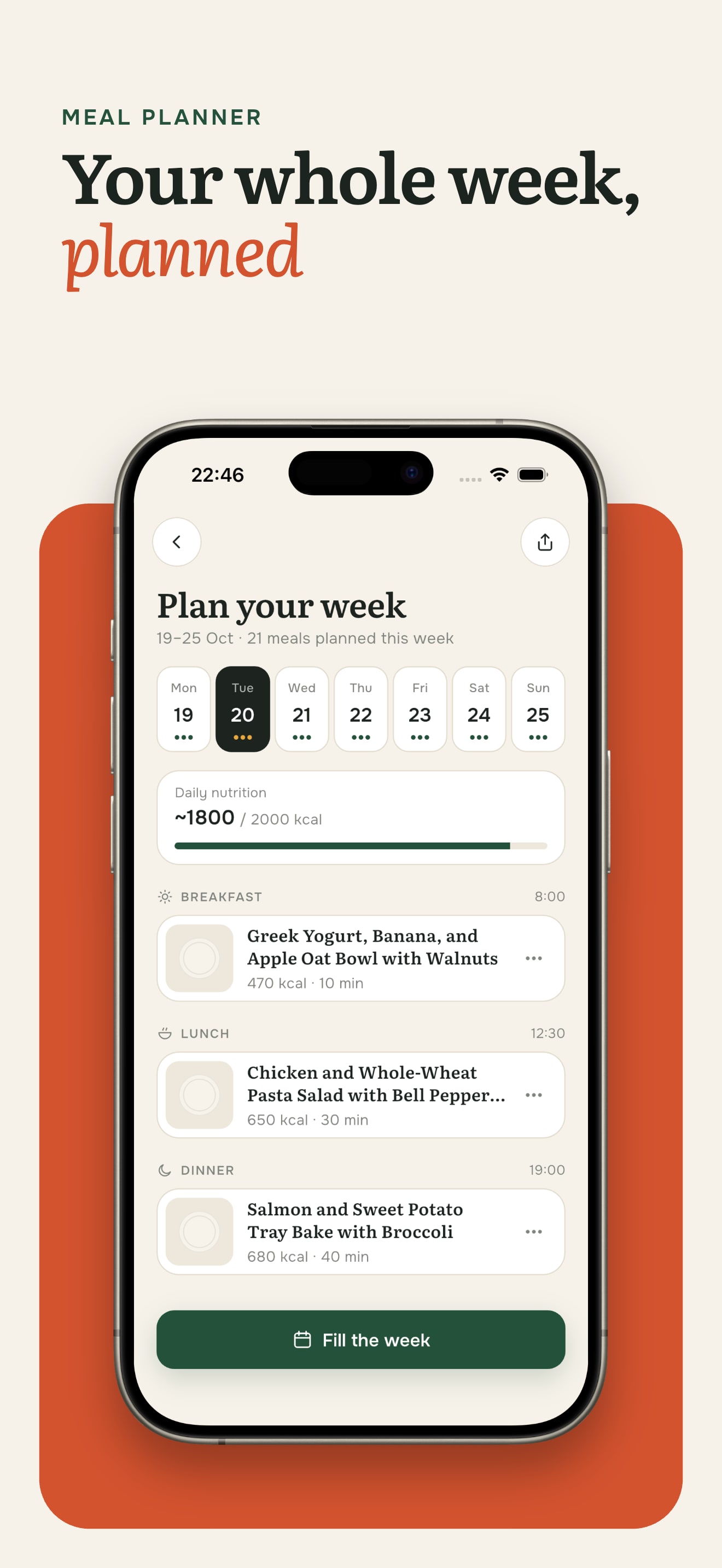
The planner lays out breakfast, lunch and dinner for seven days and tracks calories against your daily goal. One tap fills the whole week.
One generation makes 45 recipes, and a photo for each would cost more than the subscription. Images appear only for the first card on each shelf and for the recipe you open.
Receipts go to a vision model at high resolution with a strict JSON format, so long lists come back as clean products instead of raw text.
Each screen teaches one gesture, once, at the moment it is useful. The camera hint, for example, appears on the first tap of the add button.

Tell us about your idea. We reply within one business day.
Discuss your project